Remote access, kept close.
QuietLAN
Control computers you own on the same Wi-Fi or Ethernet network. QuietLAN keeps screen traffic local—without a cloud relay or remote internet access.
Share this page
Scan to download
Opens this page on your phone
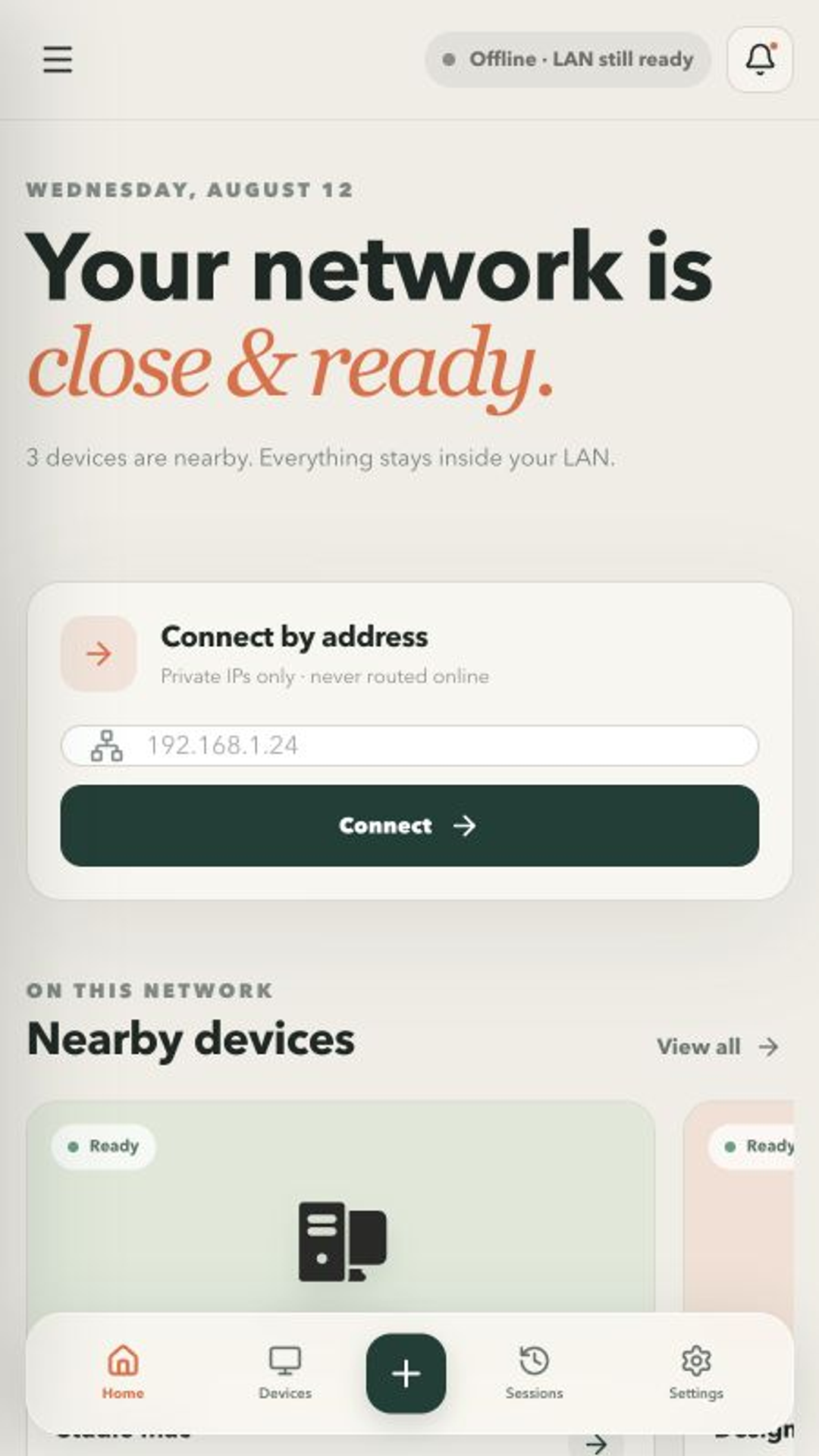
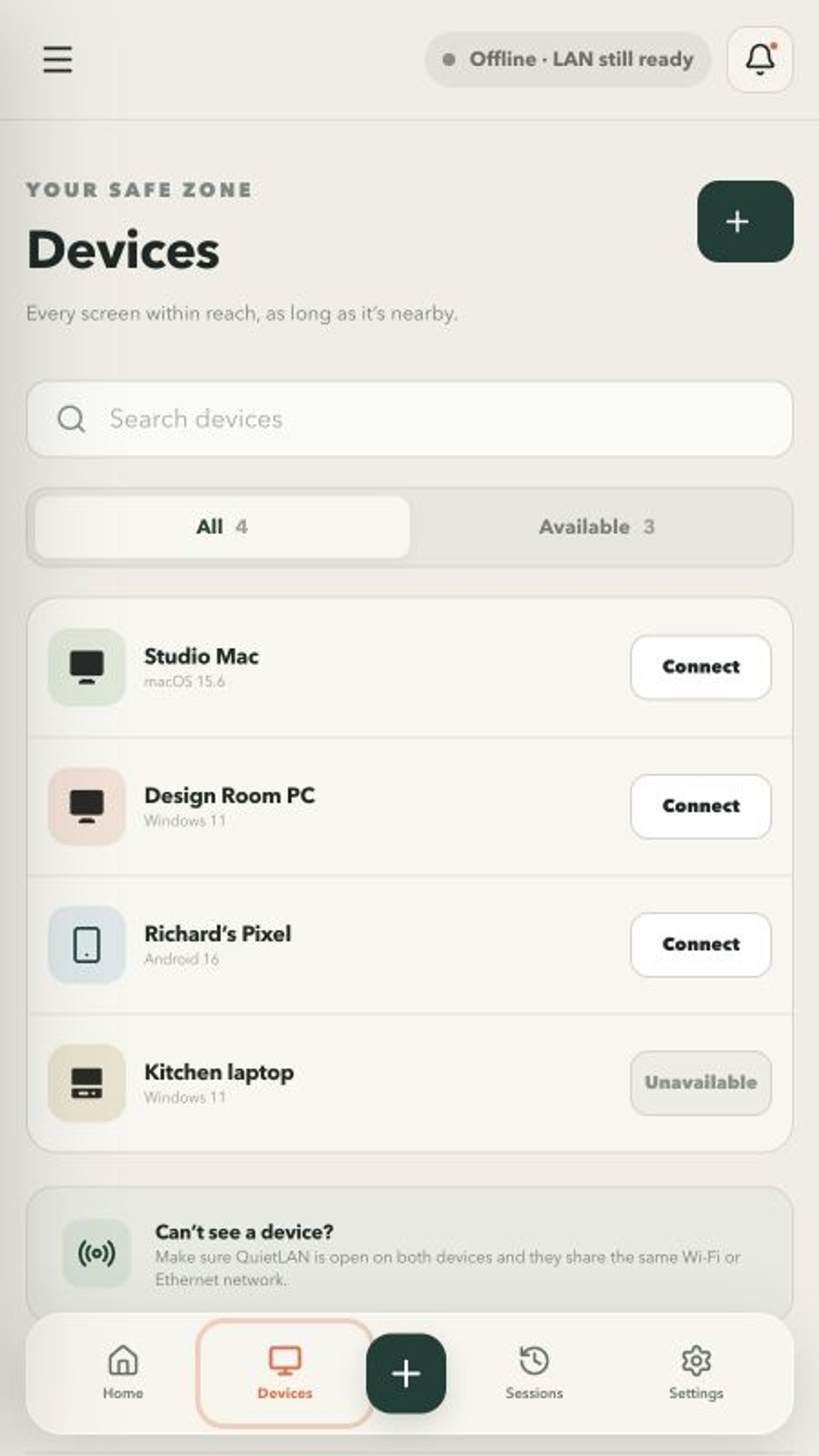
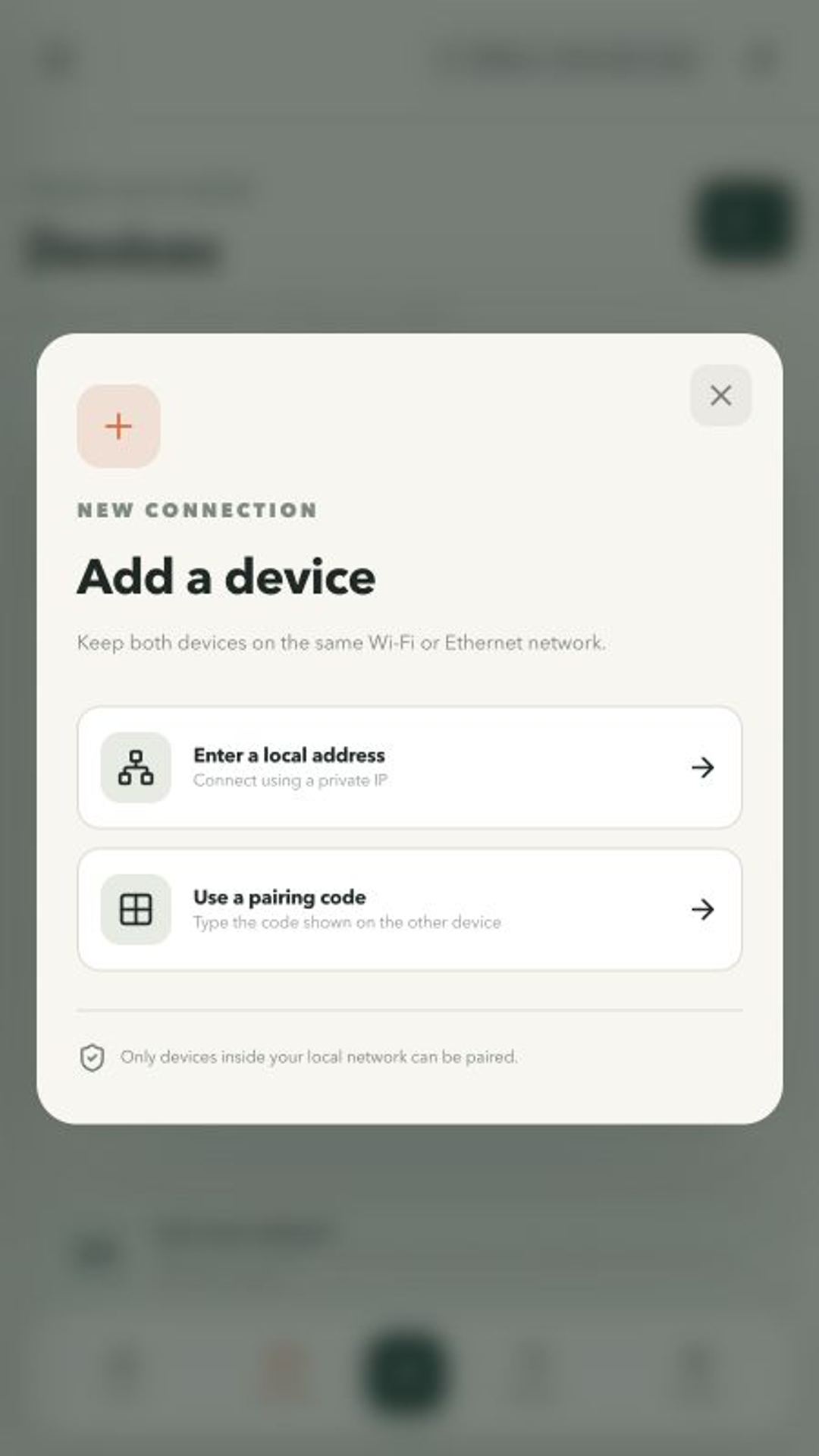
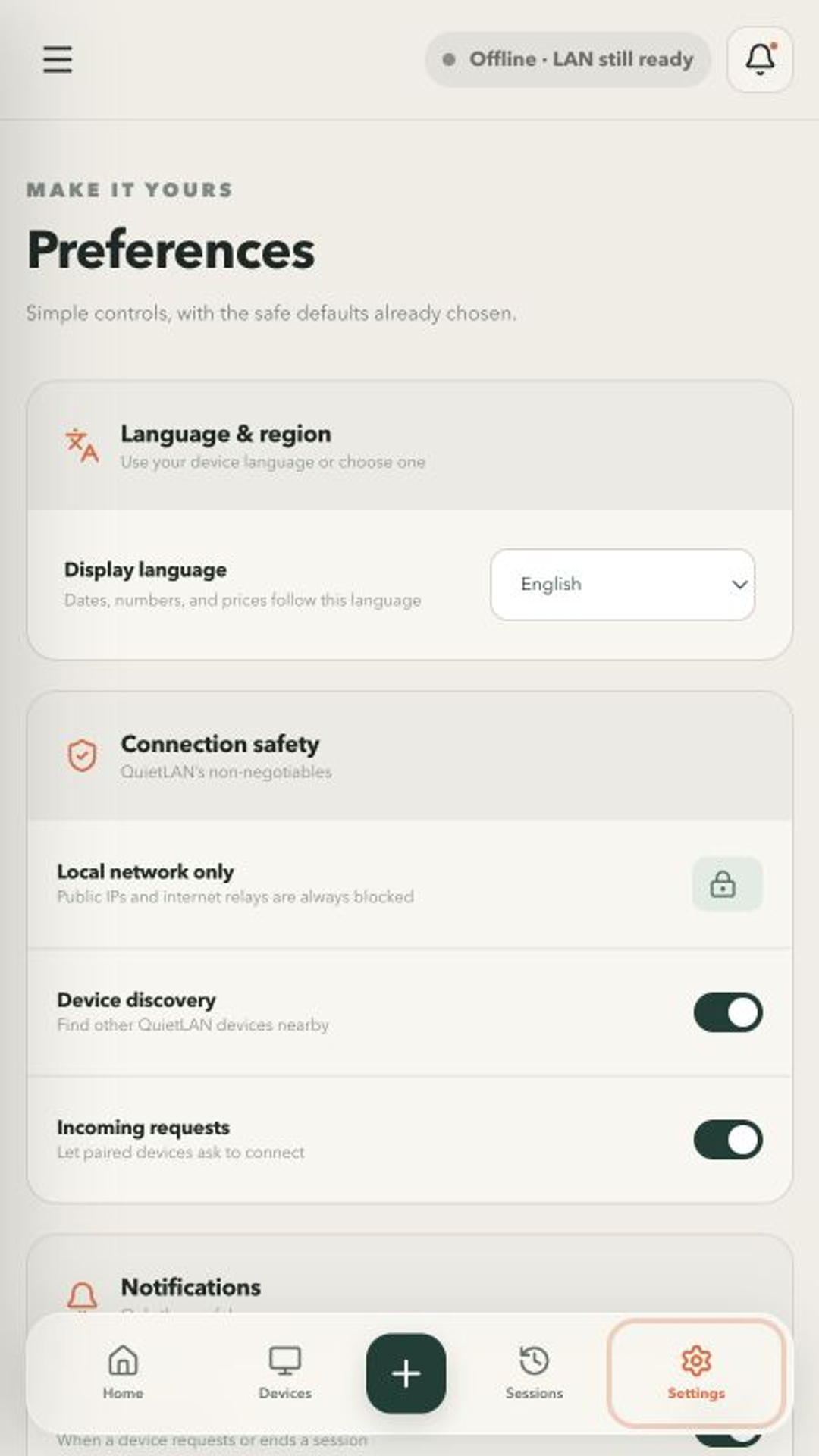
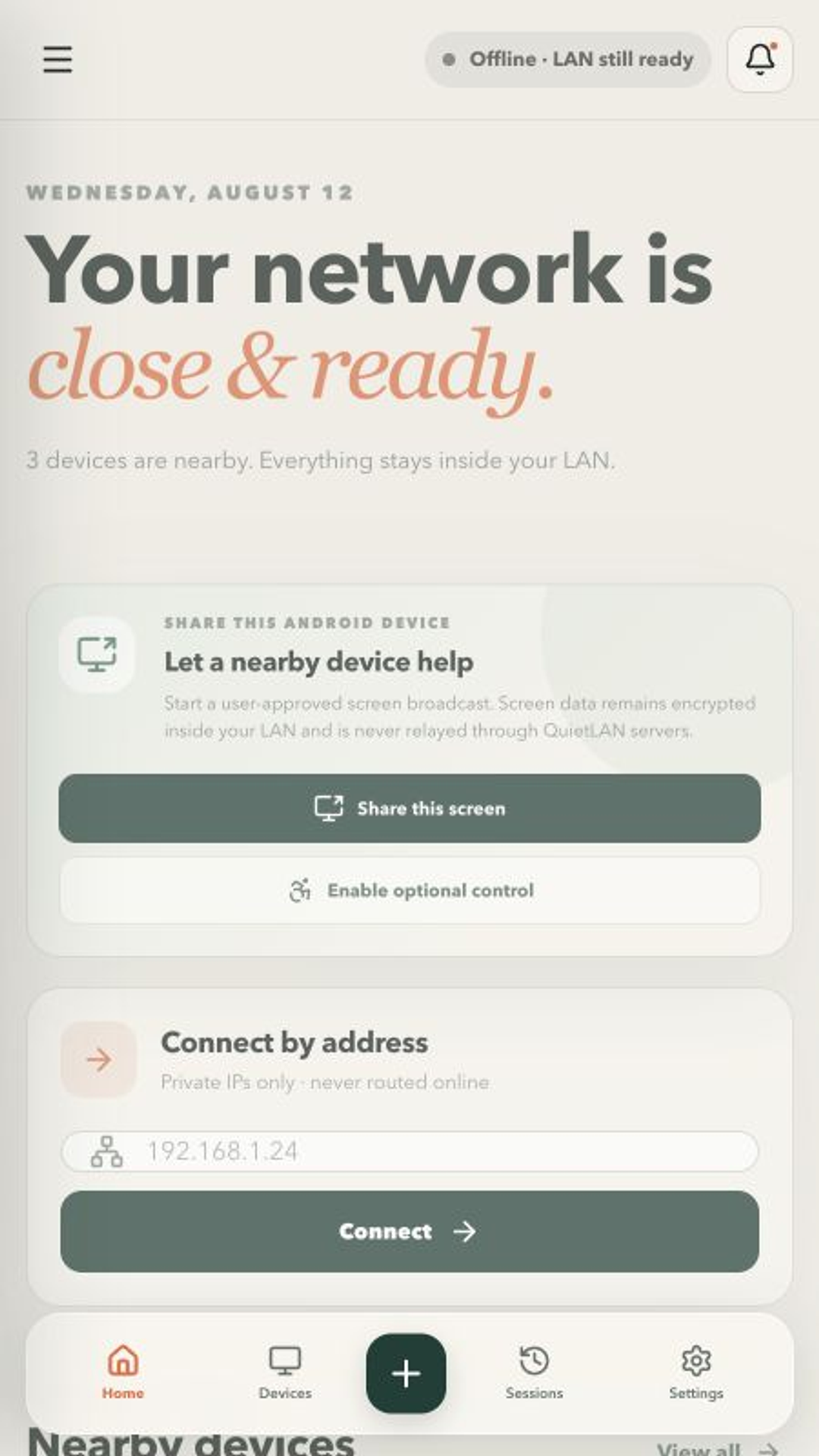
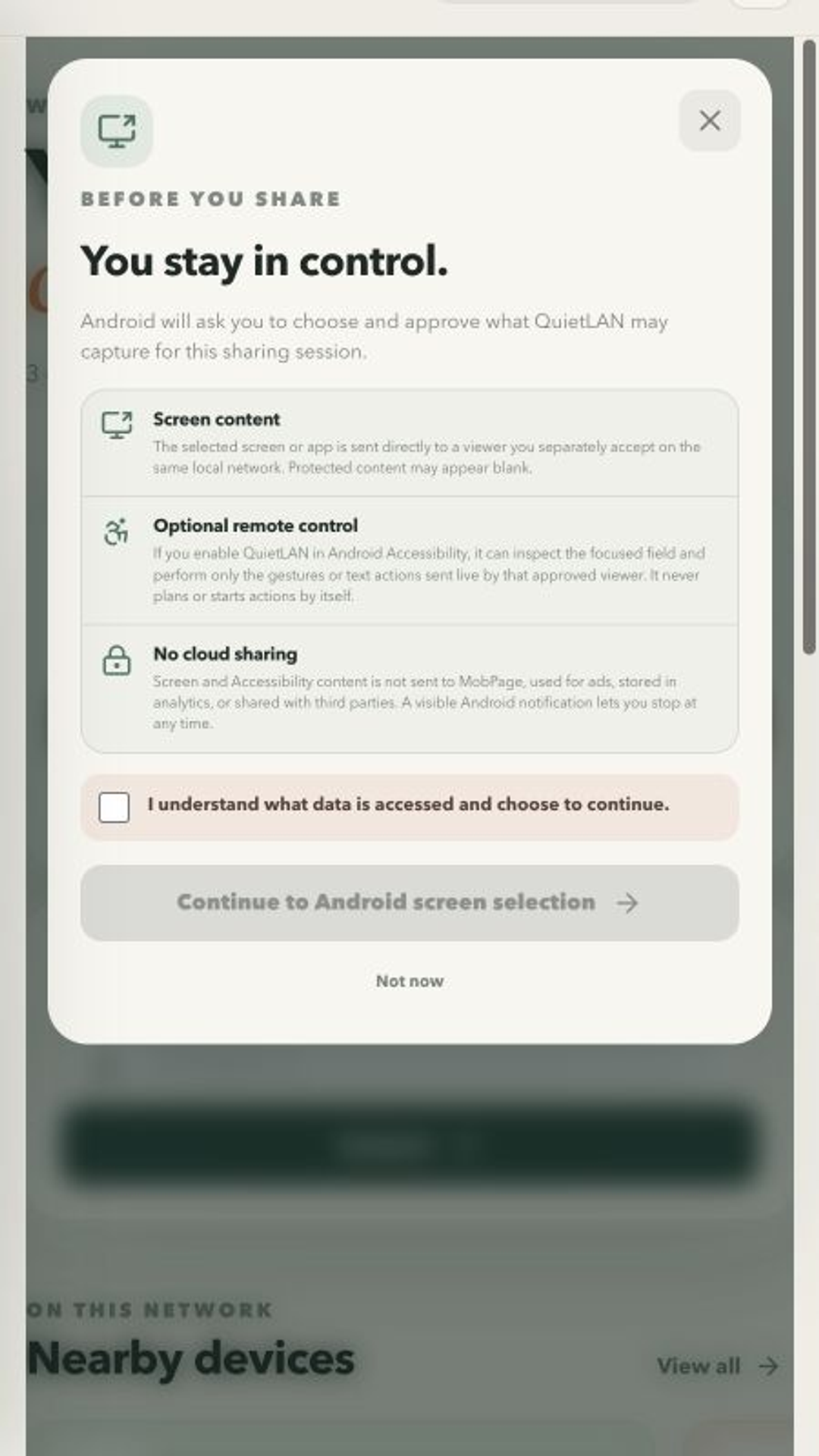
QuietLAN is remote access kept close. View and control computers you own on the same Wi-Fi or Ethernet network without routing your screen through an internet relay. QuietLAN accepts private addresses on your current LAN and blocks public routes, cloud brokers, NAT traversal, and outside-network connections. New connections appear on the host before access begins. Discover nearby devices, connect by private local address, and end a session at any time. Use your phone, tablet, Chromebook, or desktop as a controller; supported Android phones and tablets can also host a user-started screen share. The free edition supports one active session and may show one clearly labelled native ad on Home only while online. QuietLAN Pro removes ads and unlocks local file transfer, multi-display control, and extended on-device history. Use QuietLAN only with devices you own or are authorized to control.
App Screenshots
Key Features
Local network only
QuietLAN accepts private addresses on your current Wi-Fi or Ethernet LAN and blocks public routes, cloud brokers, NAT traversal, and outside-network connections.
Consent you can see
The host displays every new connection request before access begins. Compare the pairing code, accept or decline, and end a session at any time.
Nearby devices, your controls
Discover QuietLAN devices, connect by private address, and use touch, mouse, trackpad, and hardware-keyboard controls. Copy text in either direction.
QuietLAN Pro
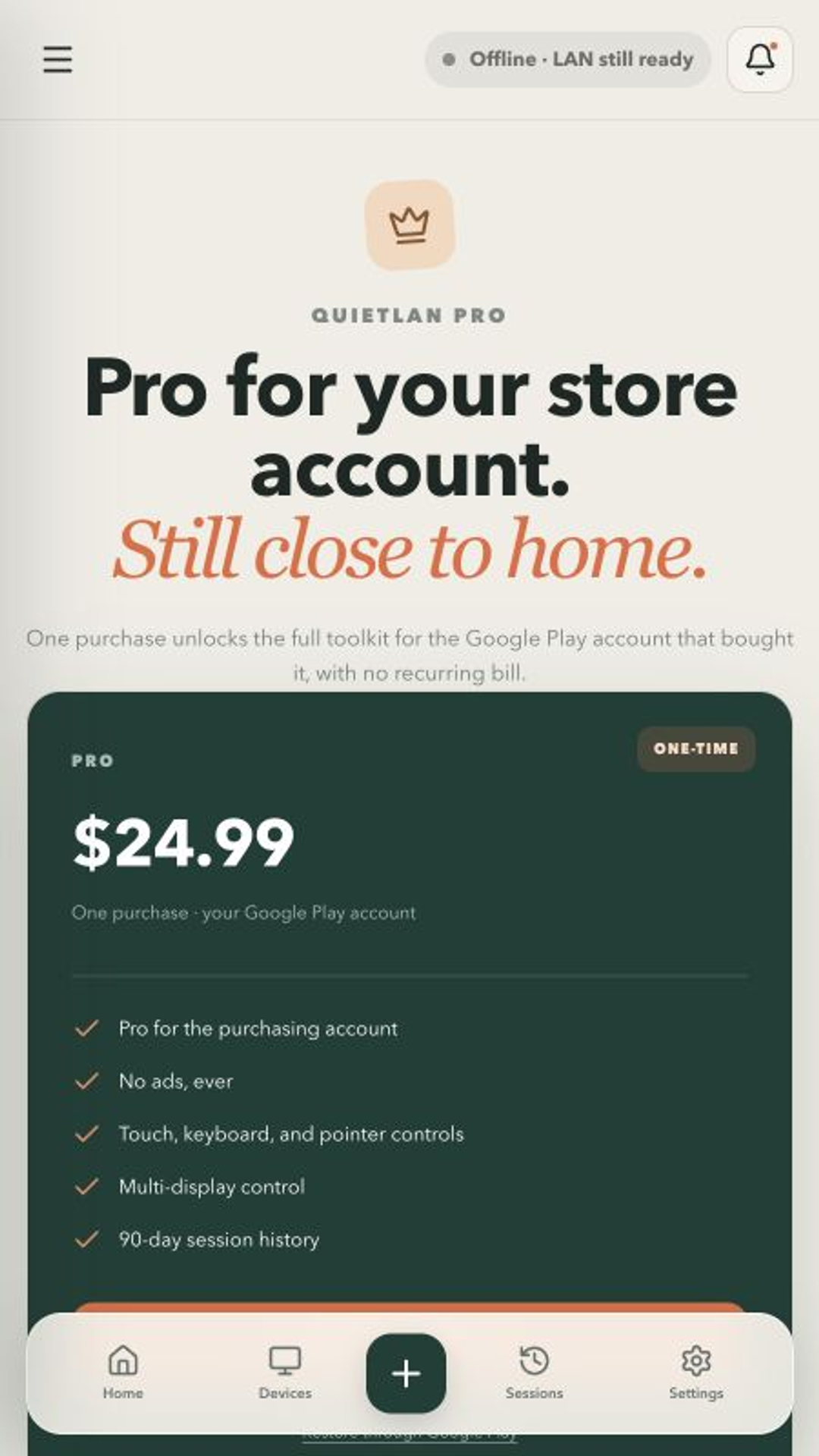
One purchase removes ads and unlocks local file transfer on supported desktops, multi-display control, and extended on-device history.
FAQ
Does QuietLAN work over the internet?
No. QuietLAN is designed for the same Wi-Fi or Ethernet network. It rejects public IP addresses, internet relays, NAT traversal, and off-LAN routes.
Do I need a QuietLAN account?
No. There is no mandatory QuietLAN cloud account. Pairing and session history stay on your devices.
Does MobPage see my screen?
No. Screen content, remote input, clipboard data, files, LAN addresses, device names, pairing keys, and session history are not relayed or stored by MobPage.
Which platforms are coming?
QuietLAN 1.0 targets iPhone, iPad, Android phone/tablet/Chromebook, Mac, Windows, and Linux. Android package: org.mobpage.quietlan. Apple bundle ID: org.mobpage.quietlan.
What does QuietLAN Pro add?
Pro removes ads and unlocks local file transfer between supported desktop editions, multi-display control, and extended on-device history. Mobile and ChromeOS file transfer is not included in version 1.
The free edition supports one active LAN session. One clearly labelled Google-served Native ad may appear on Home only while internet access is available and the consent flow permits it. QuietLAN does not use interstitial, rewarded, app-open, or session ads. QuietLAN Pro is a one-time store purchase that removes ads and unlocks local file transfer (desktop editions), multi-display control, and extended on-device history. Store pricing is shown by Apple, Google, or MobPage. Family Sharing is not offered. Use QuietLAN only with devices you own or are authorized to control.
Contact Us
Publisher: iGears Technology Limited
Email: [email protected]