Kid-mode On

On an Android phone? We’ll open Google Play automatically. On desktop or iPhone, use the button below — this app is Android only.
Opened on a phone but want this page instead? Add ?stay=1 to the URL.
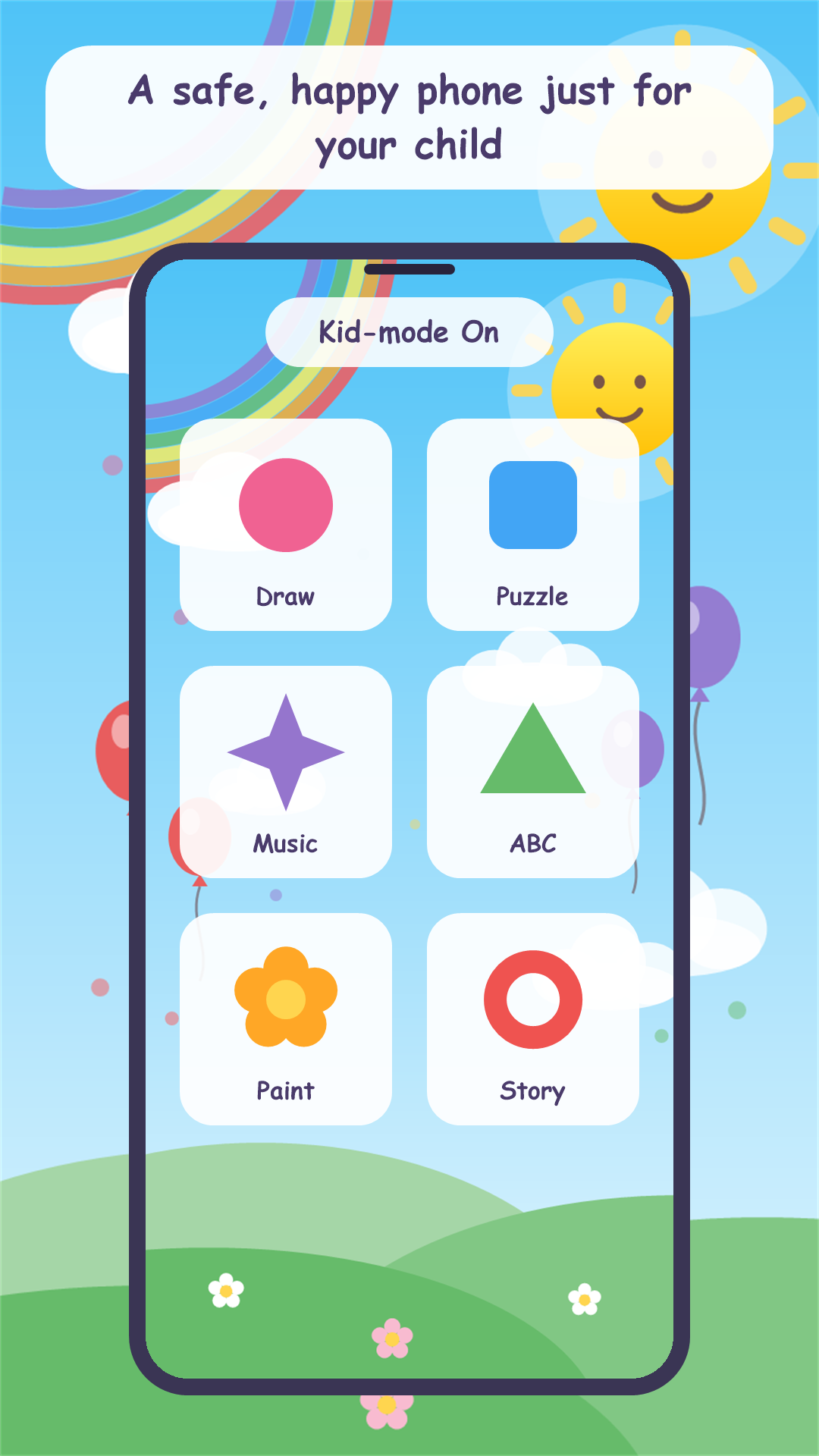
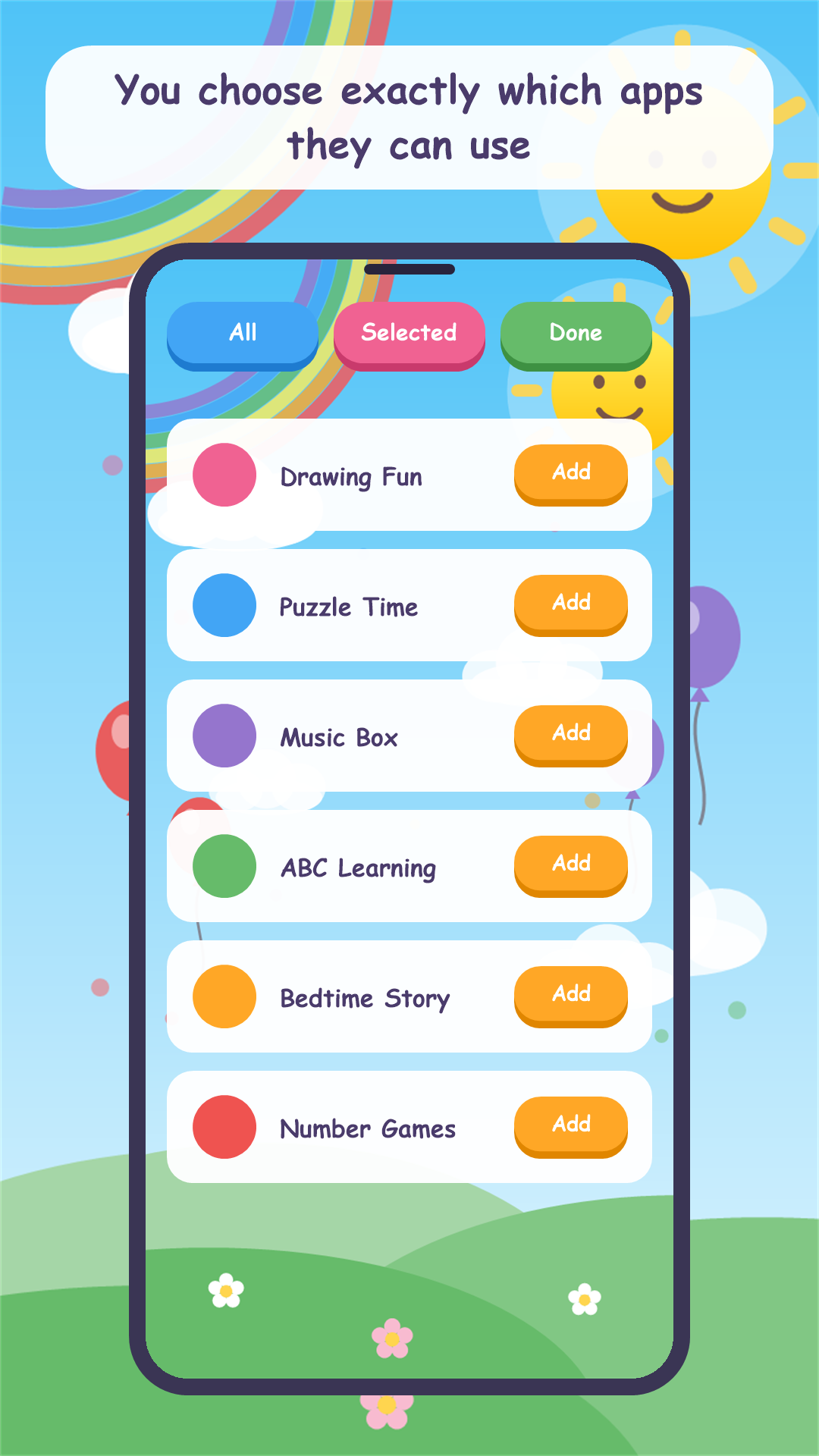
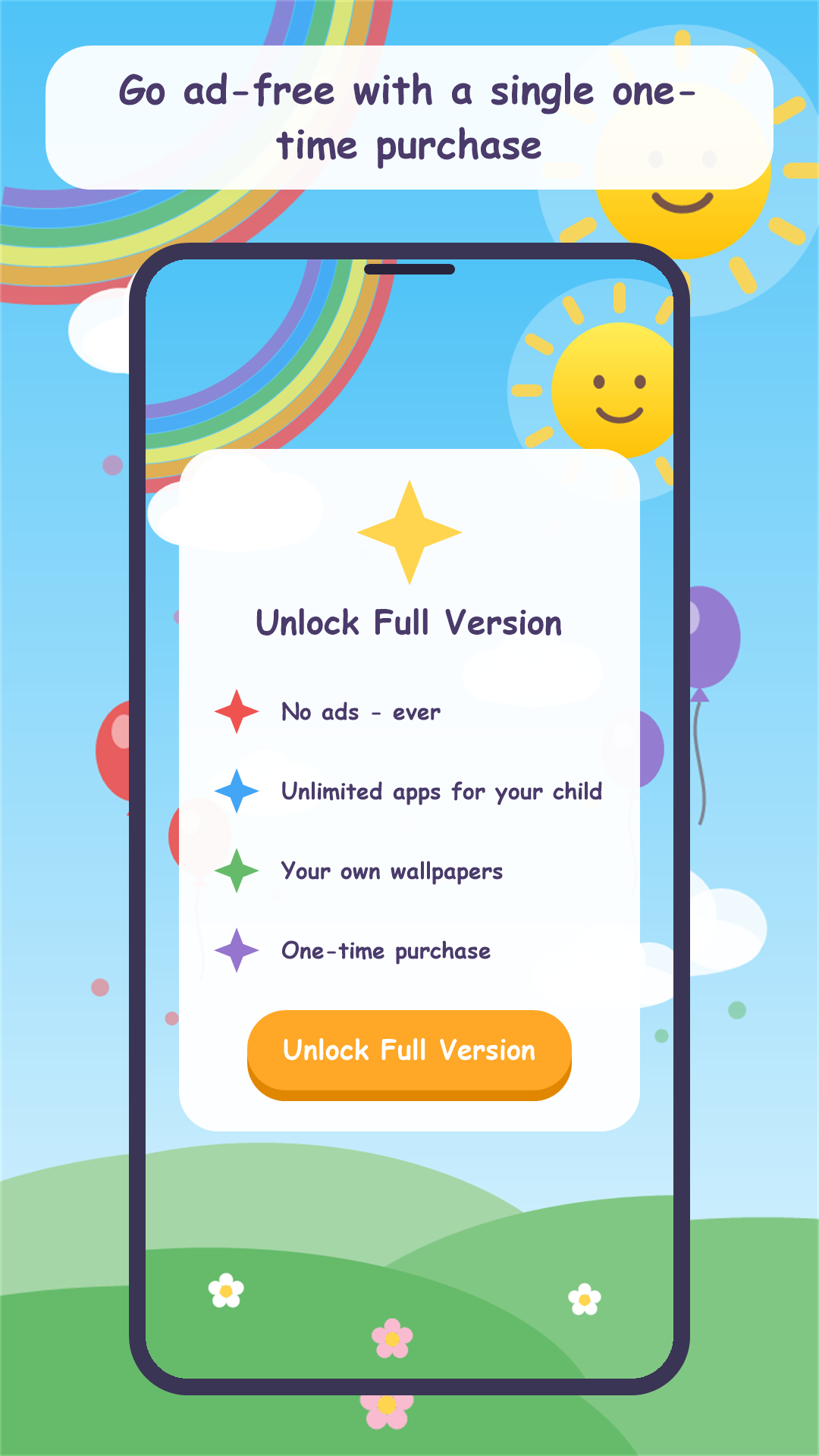
Kid-mode On turns any Android phone or tablet into a safe, colorful playground for your child. You choose the apps they can use; everything else stays locked away behind your secret PIN. A cheerful home screen with big, friendly buttons — ads only on parent screens, never inside kid mode. Free to try with ten ad-free uses; one-time purchase unlocks the full version.
Share this page
Scan to download
Opens this page on your phone
App Screenshots
Key Features
Kid-Safe Home Screen
A cheerful, colorful launcher showing only the apps you approve — big buttons designed for little hands.
Parent PIN Lock
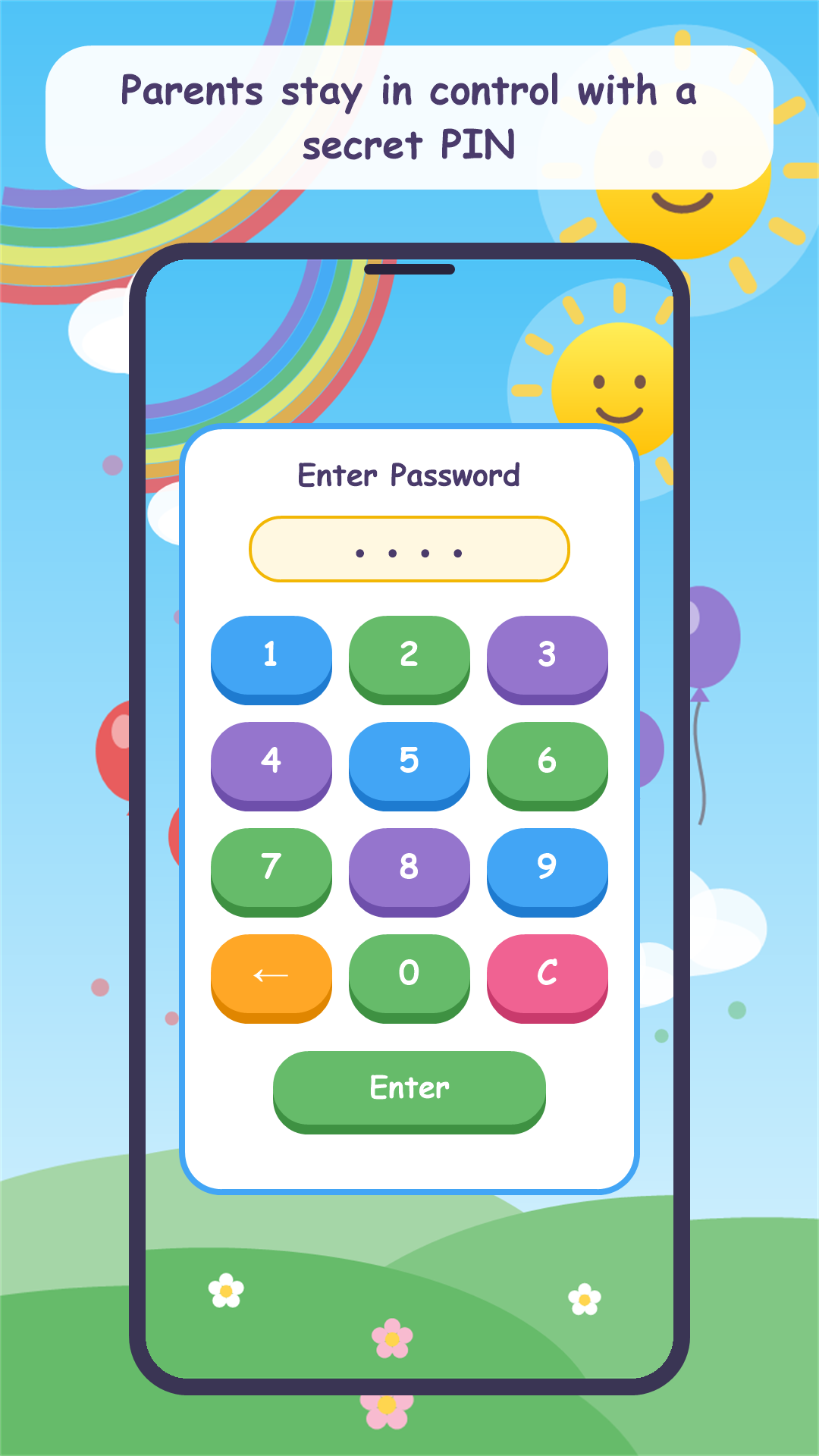
Protect settings with your 4–6 digit PIN. Your child can't exit kid mode, call anyone, change settings, make purchases or delete anything.
Ready in One Minute
Set your PIN, choose allowed apps, hand over the phone. Enter your PIN anytime to add apps, change settings, or return to normal.
Fair & Private
No account needed, works offline, no social features in kid mode. First 10 uses ad-free; ads only on parent screens. One-time purchase removes ads and unlocks unlimited apps and custom wallpapers.
On an Android phone? We’ll open Google Play automatically. On desktop or iPhone, use the button below — this app is Android only.
Contact Us
Publisher: IT HK SERVICE LIMITED
Email: [email protected]