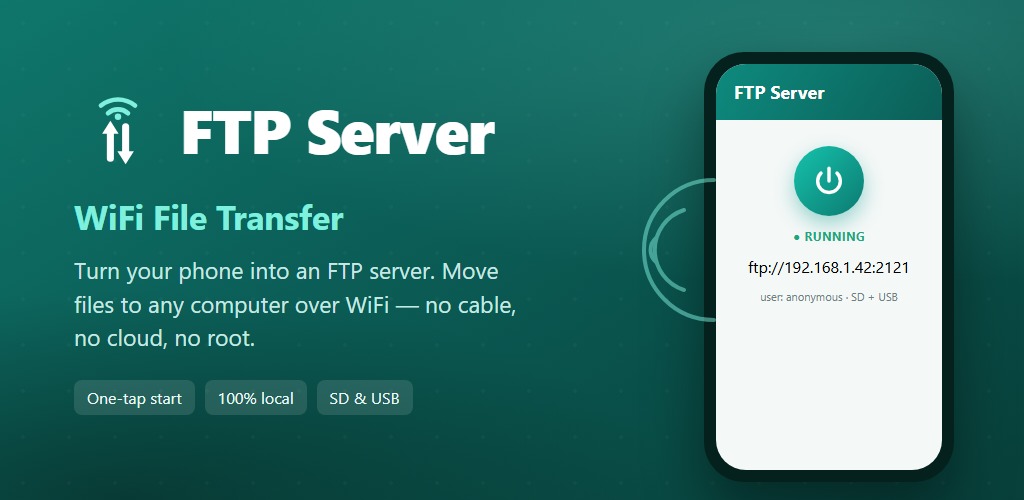
FTP Server

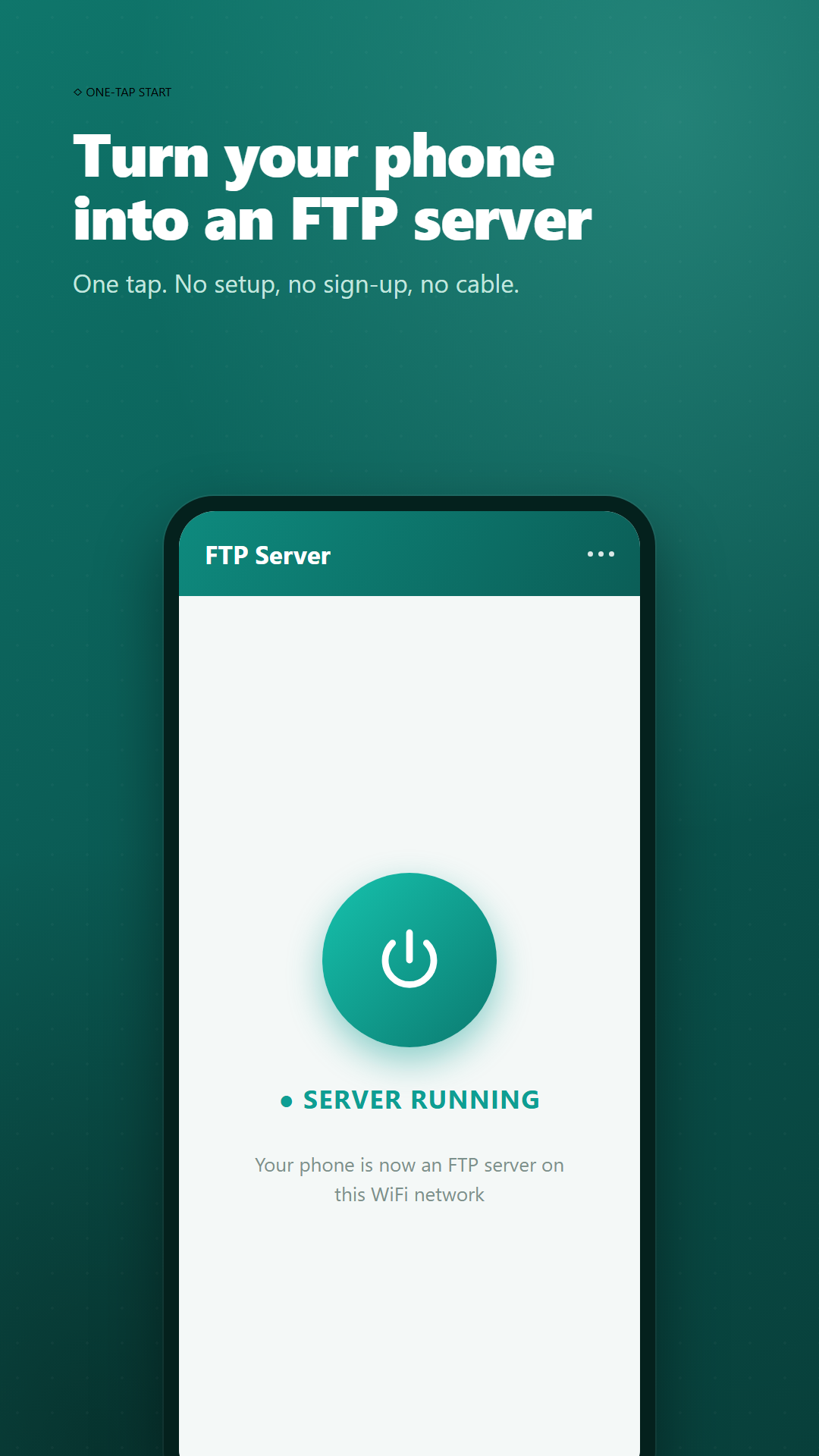
Turn your phone into an FTP server. Send files to PC over WiFi, no cable.
Share this page
Scan to download
Opens this page on your phone
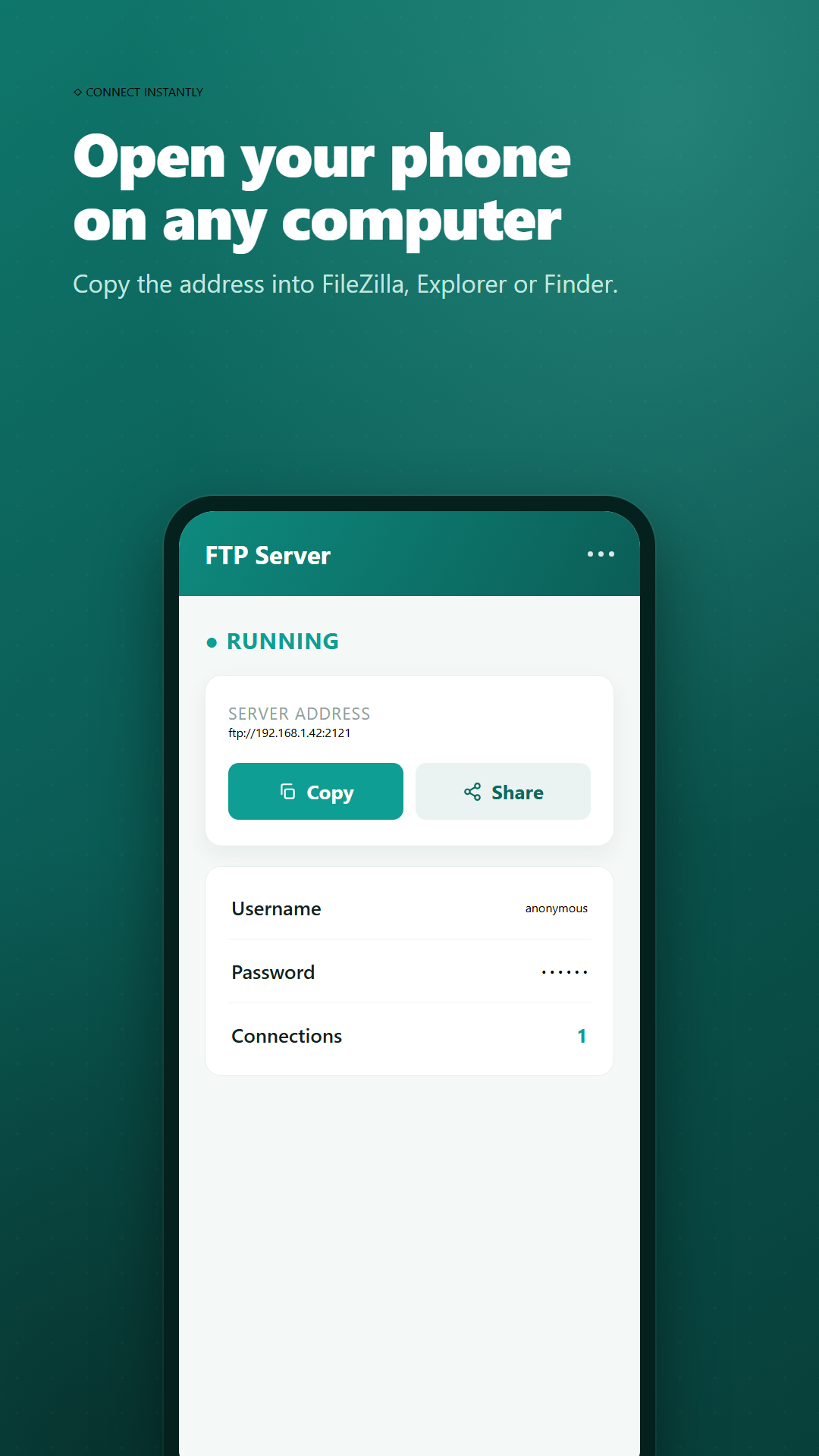
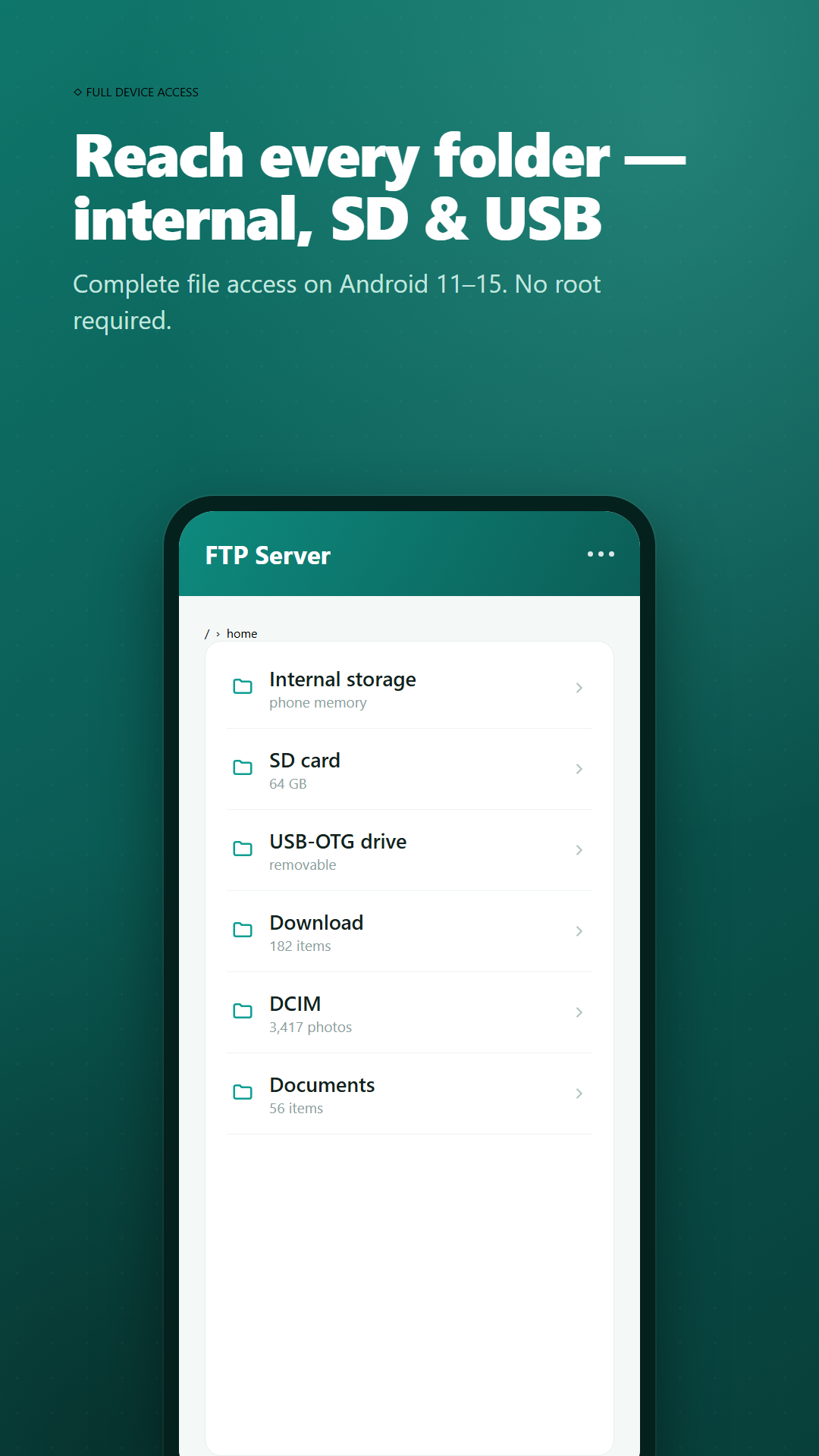
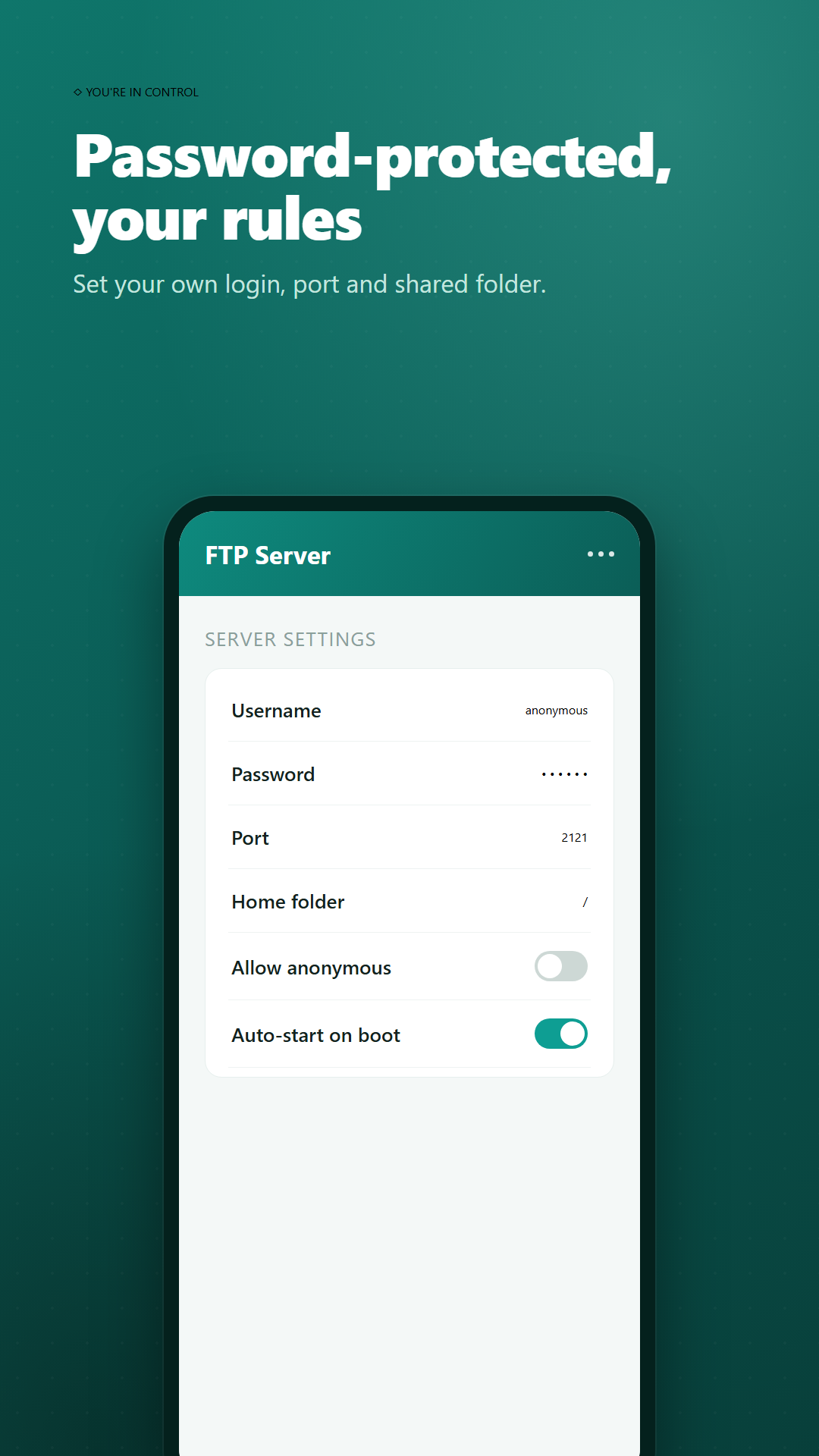
Turn your Android phone or tablet into a WiFi FTP server in one tap. FTP Server lets you transfer files between your phone and your PC, Mac, or laptop over WiFi — no USB cable, no cloud account, and no internet required. Your files never leave your local network. Start the server, type the address it shows (for example ftp://192.168.1.42:2121) into FileZilla, Windows File Explorer, macOS Finder or any FTP client, and your phone opens on your computer like a folder. Copy photos, videos, music, documents and backups both ways at full WiFi speed. Password-protected or anonymous access, custom port and home folder, full access to internal storage, SD card and USB-OTG on Android 11–15, and reliable background transfers while the screen is off. No trackers, no ads mid-transfer, no hidden data collection. Android only.
App Screenshots
Key Features
One-tap start
Launch a full FTP server instantly. No setup wizard, no sign-up, no root.
No cable, no cloud
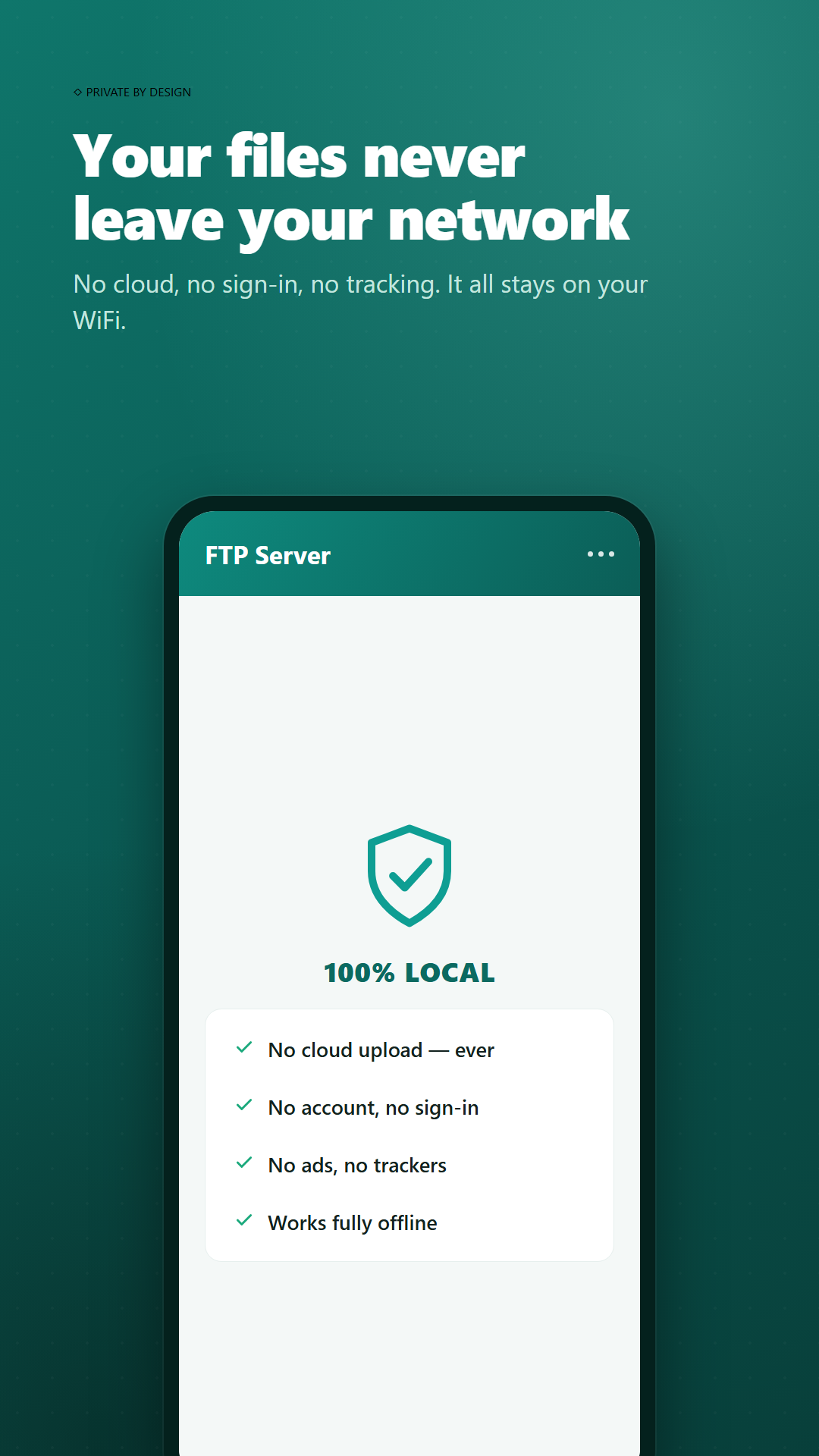
Wireless file transfer over your own WiFi or hotspot. Nothing is uploaded to any server. 100% private and local.
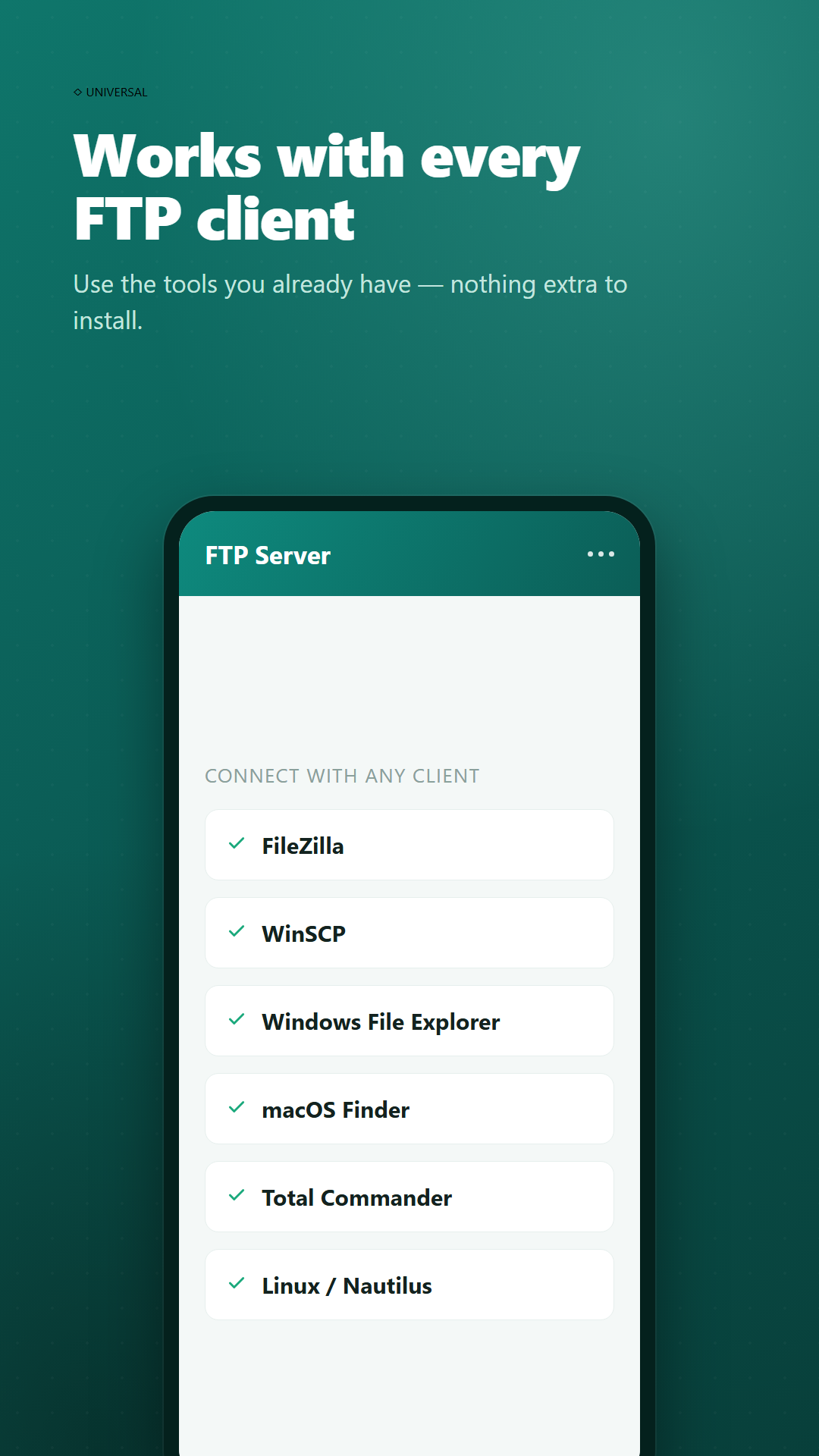
Works with every FTP client
FileZilla, WinSCP, Windows File Explorer, macOS Finder, Linux, Total Commander and more.
Full device access
Reach internal storage, SD card and USB-OTG drives, with reliable background transfers on Android 11–15.
Contact Us
Publisher: IT HK SERVICE LIMITED
Email: [email protected]