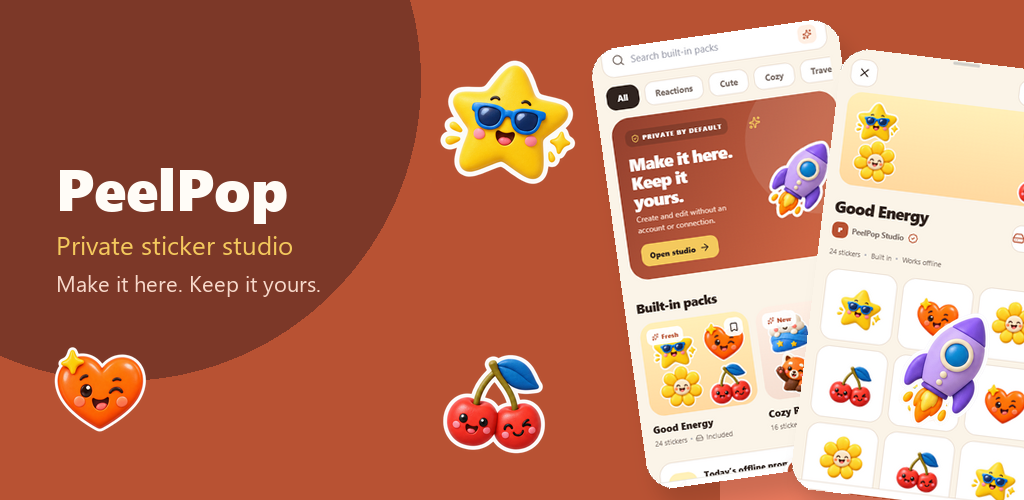
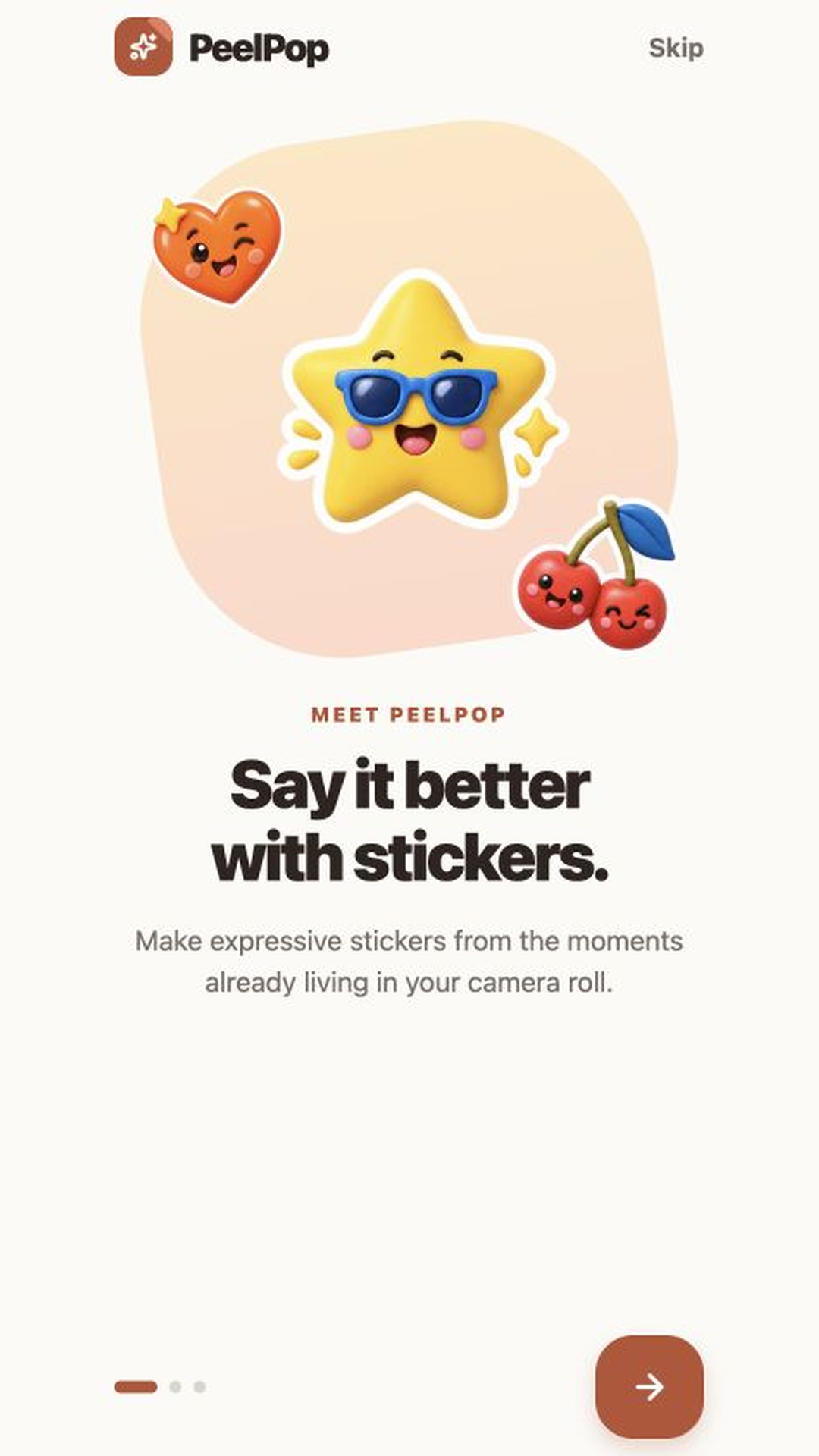
Say it better with stickers.
PeelPop Sticker Maker
Create private stickers from photos and text. Edit locally and share to chat.
Share this page
Scan to download
Opens this page on your phone
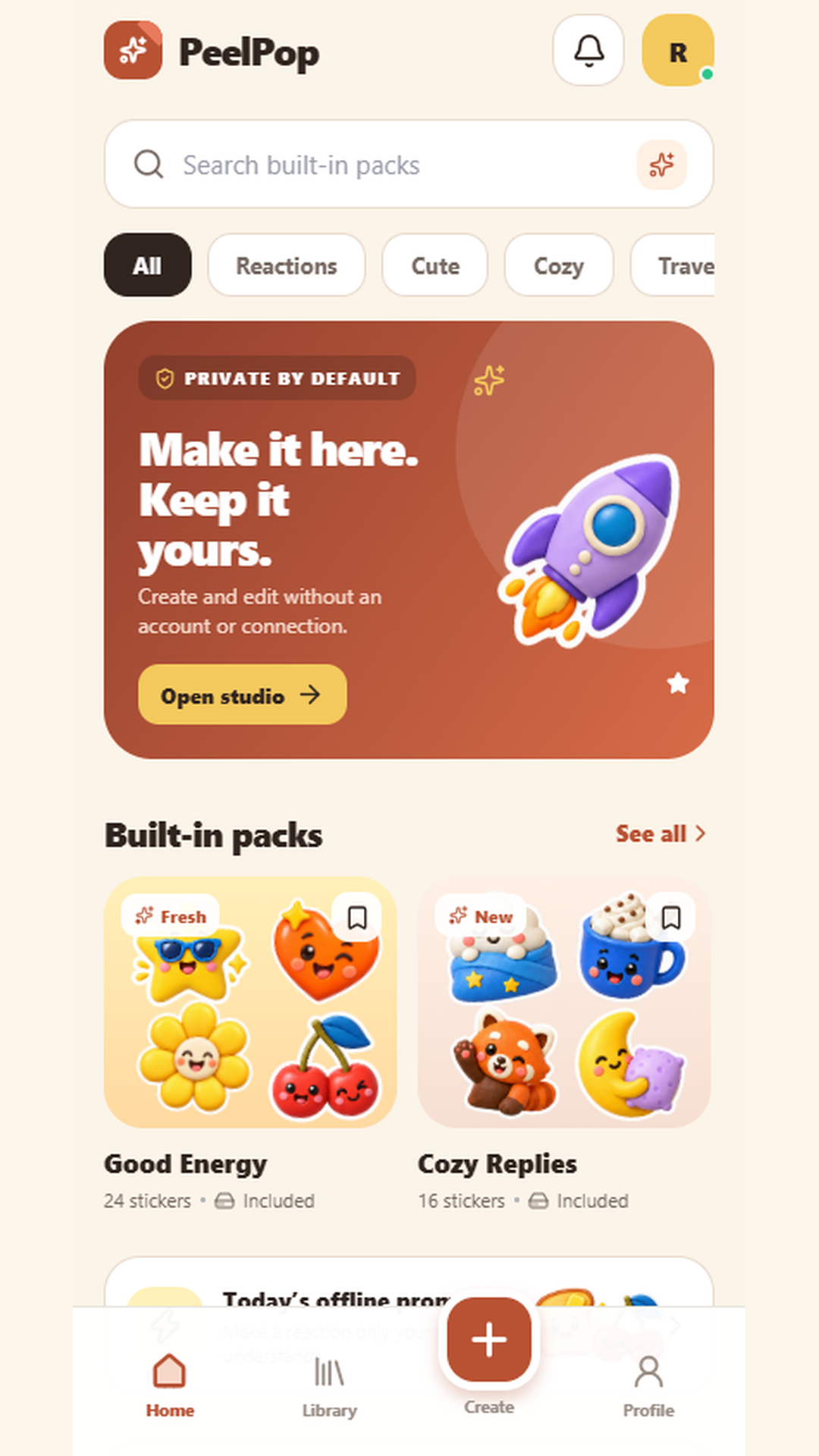
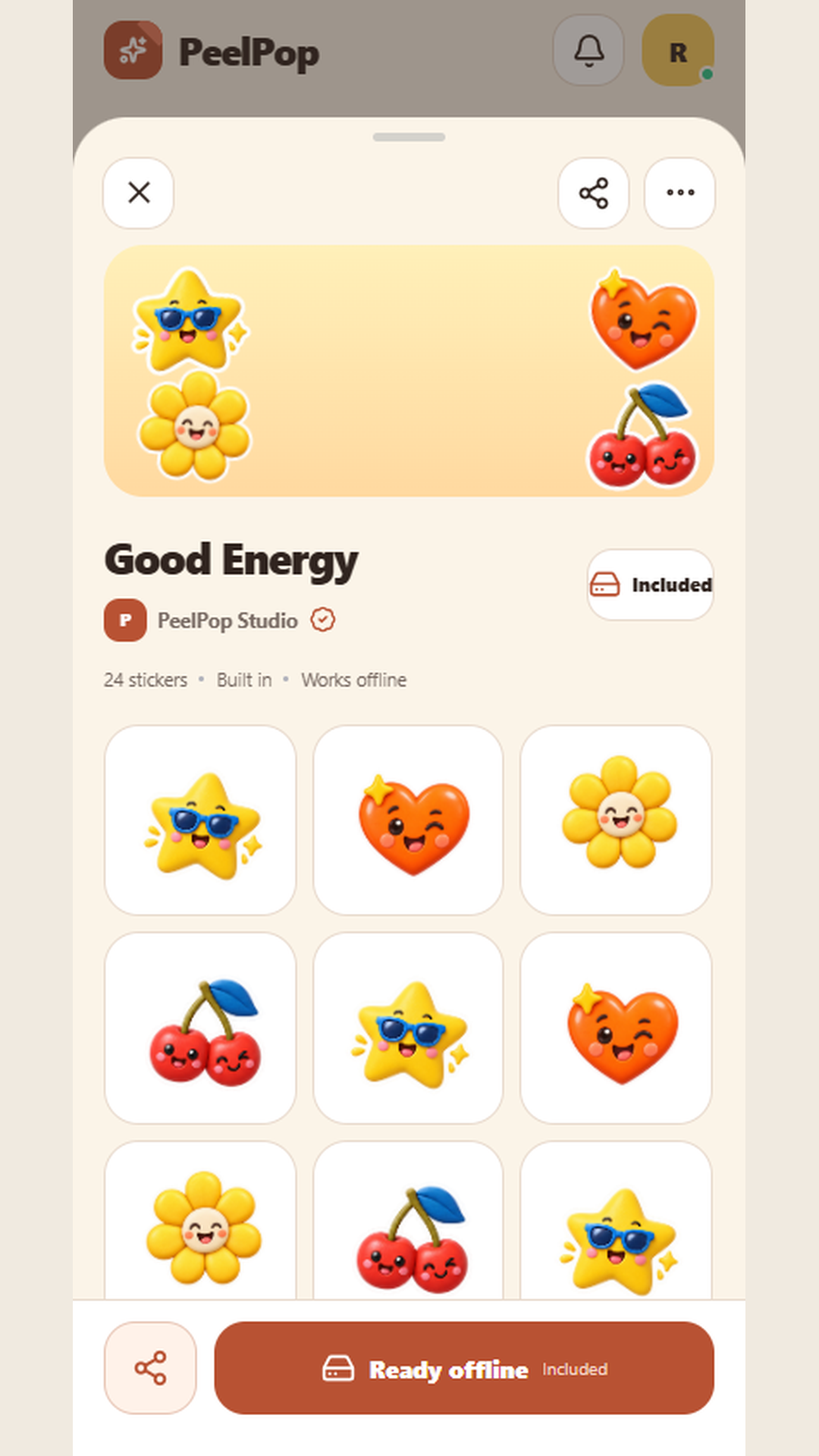
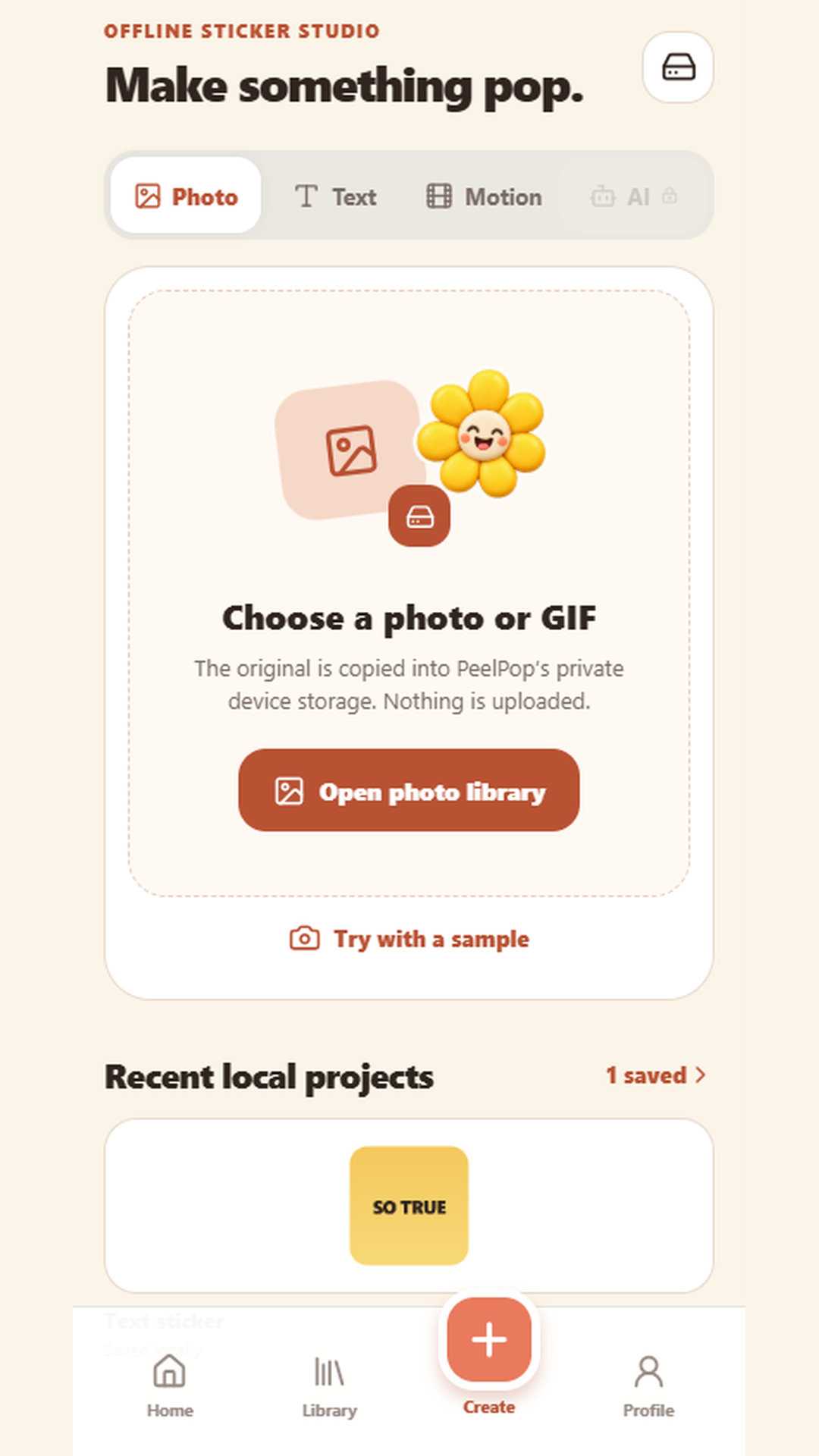
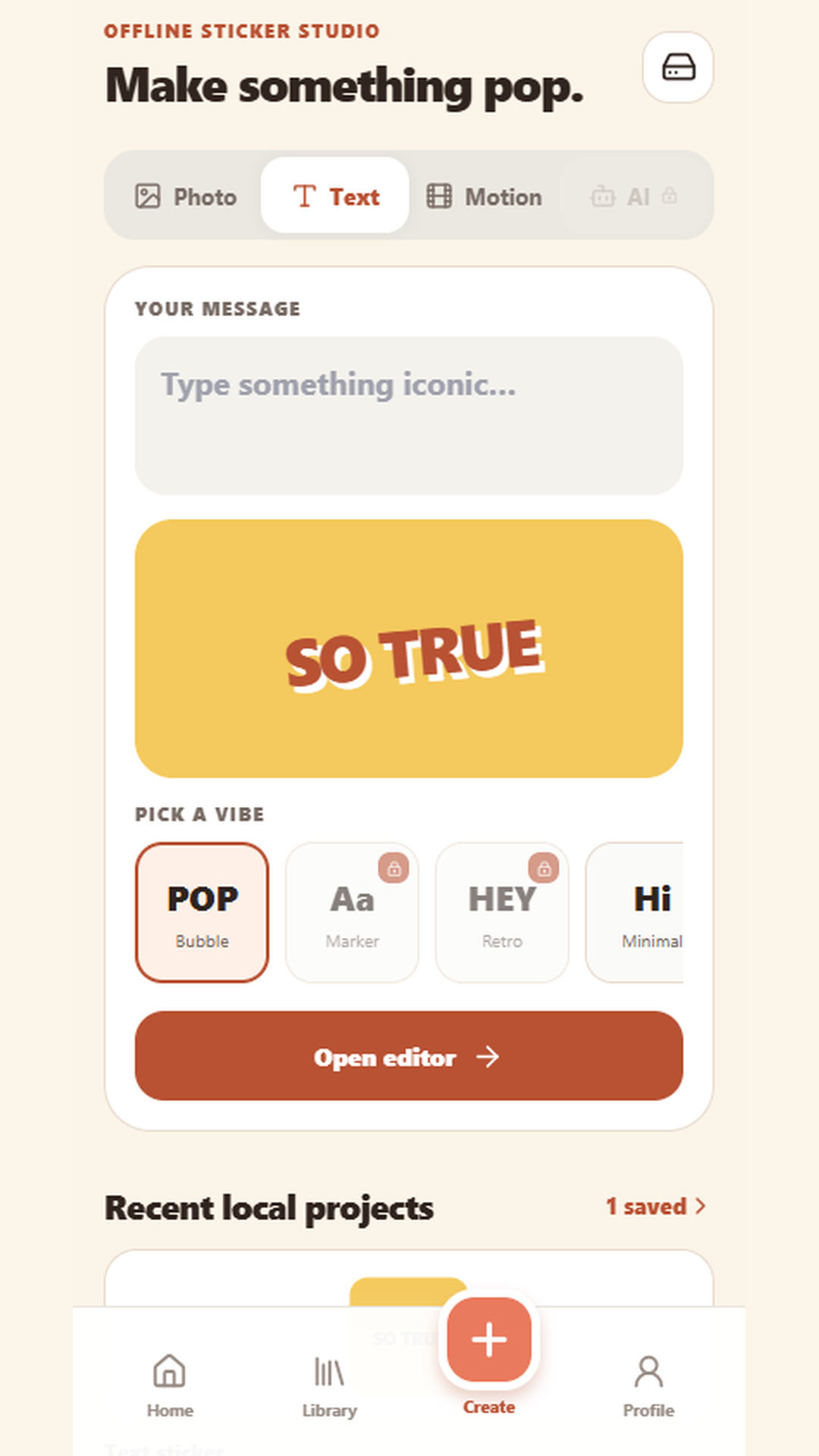
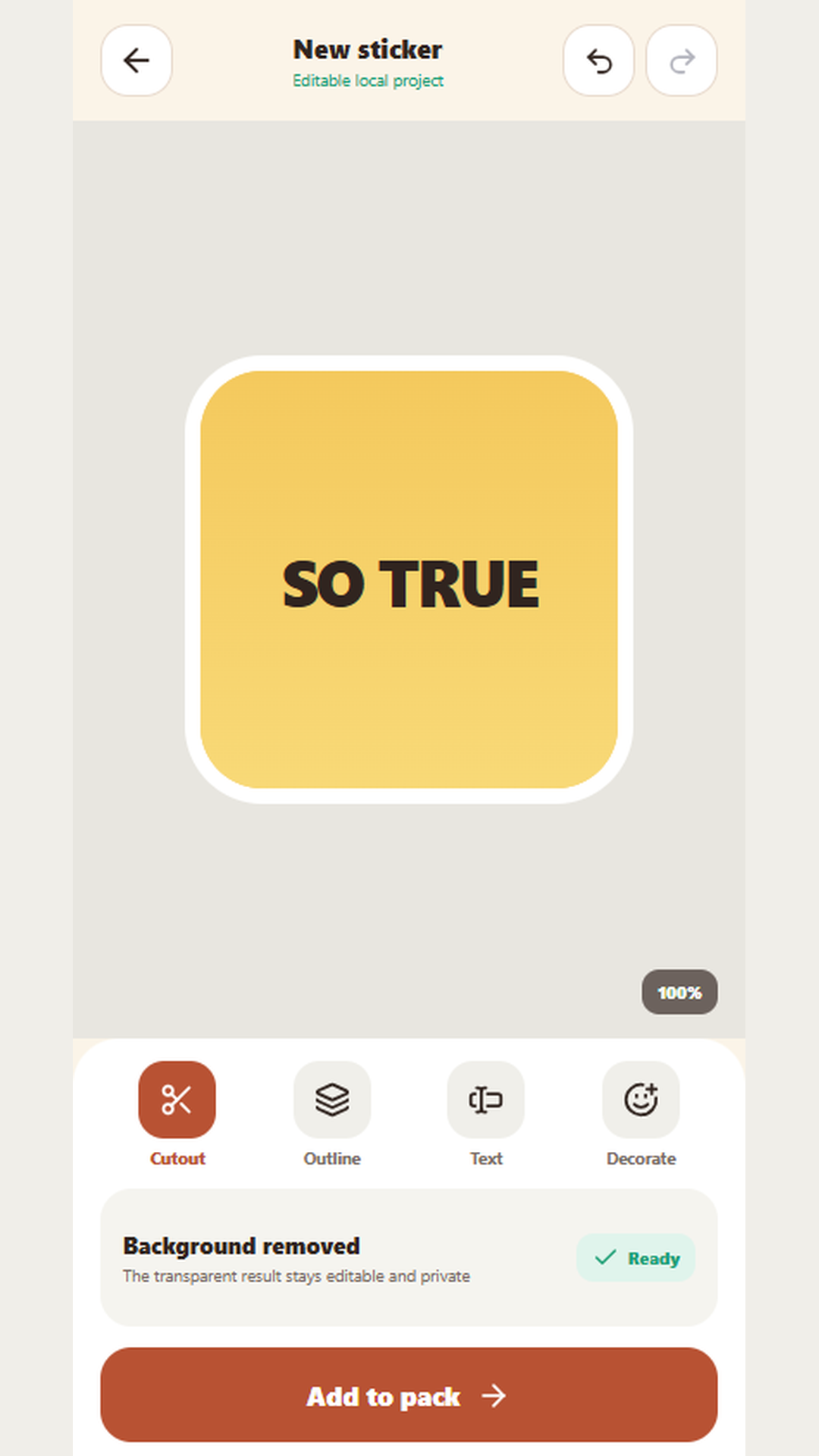
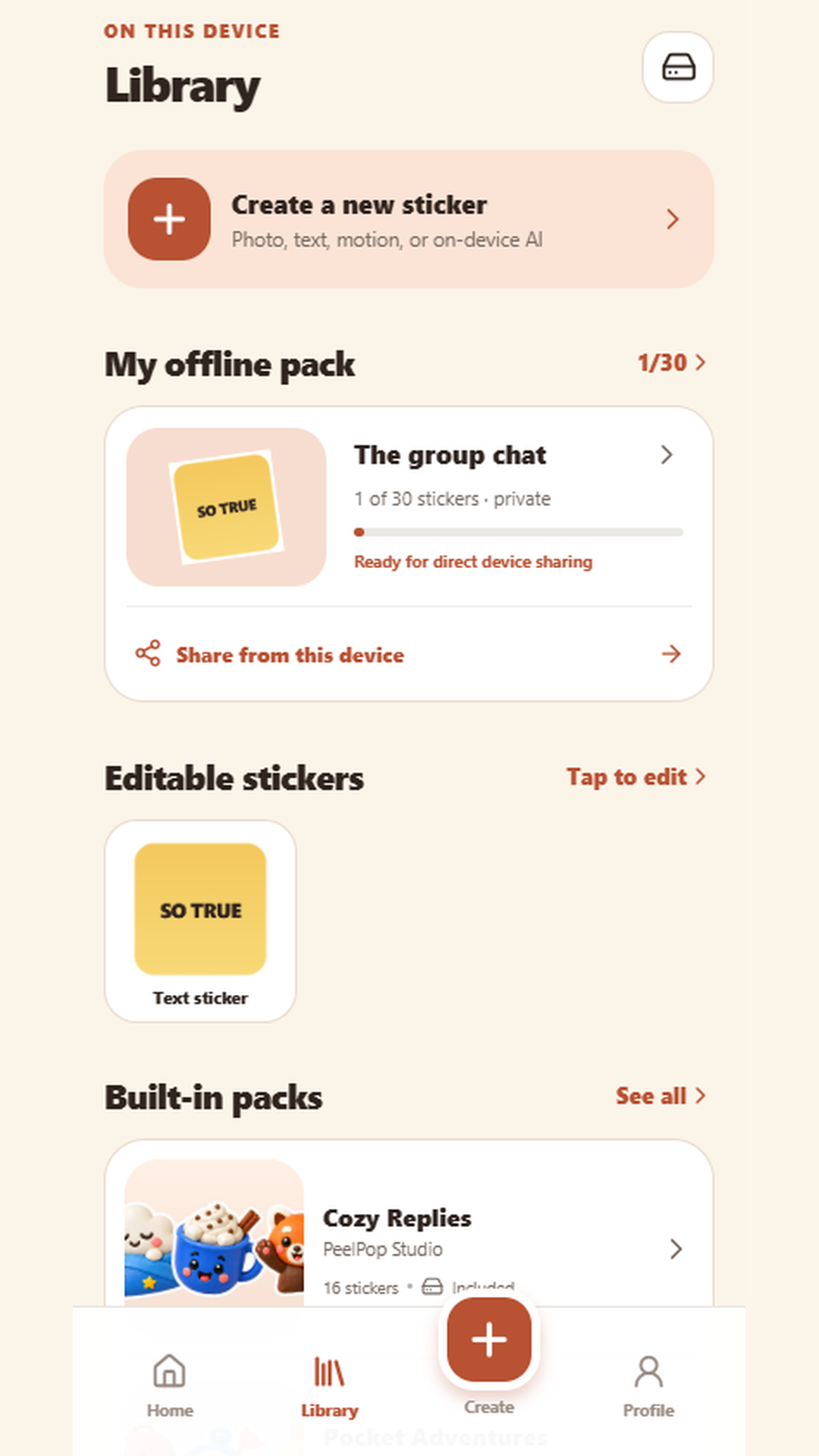
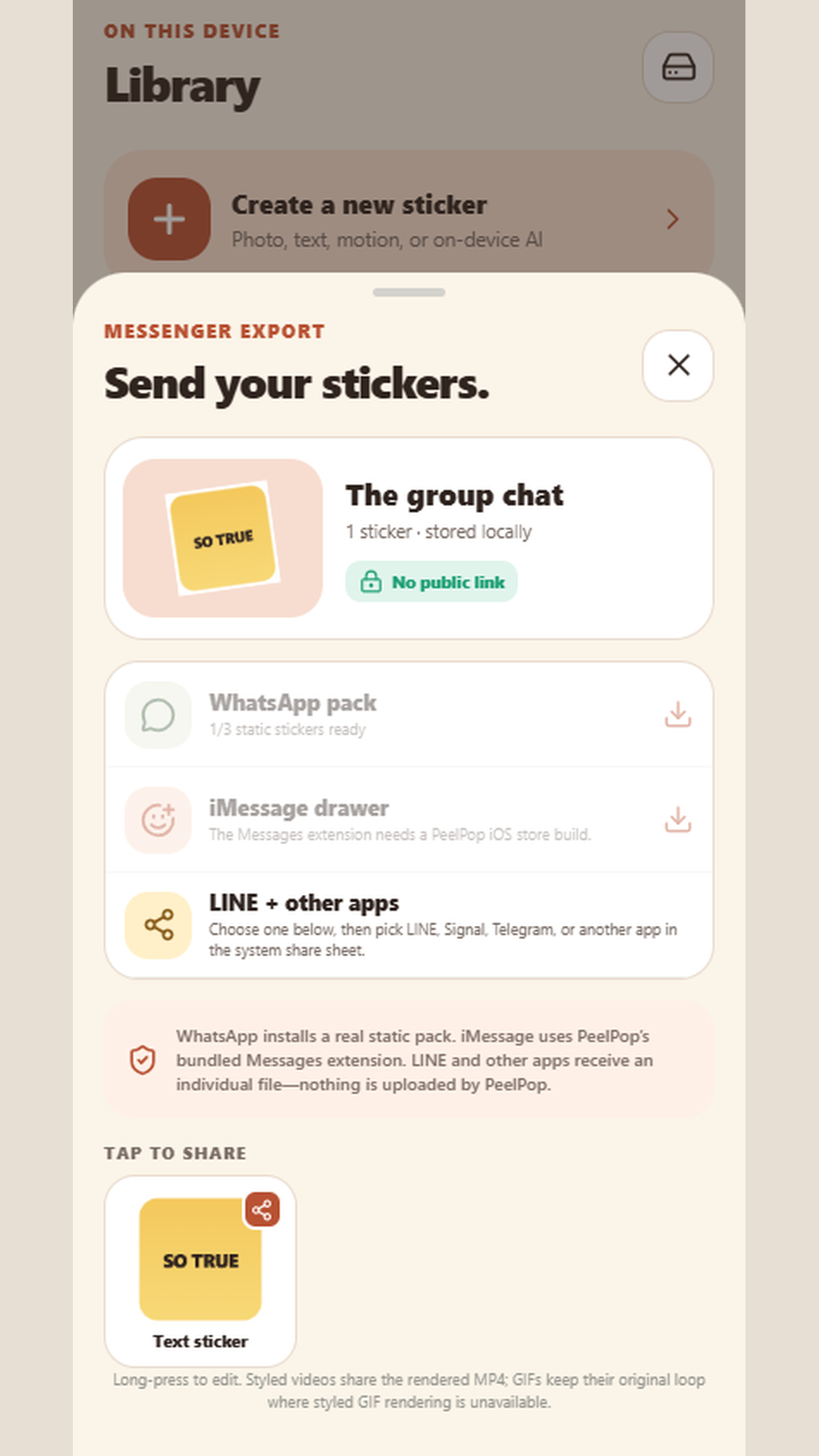
PeelPop is a private sticker studio. Create stickers from photos, GIFs, short clips, or text, keep the work on your device, and send it through the apps you already use. No account is required. PeelPop does not publish a public profile or a public pack link. Photos and projects stay in app-private storage unless you choose to share a sticker yourself. Turn a photo into a sticker with on-device subject cutout on supported Android devices, make text stickers with editable outlines and decorations, import a GIF or video up to 3 seconds, and reopen a sticker later — edits stay reversible until you export. Save stickers into a local pack, browse included PeelPop Studio packs such as Cozy Replies and Pocket Adventures, and share a WhatsApp pack or one sticker at a time through the system share sheet. PeelPop does not upload your stickers to a PeelPop server.
App Screenshots
Key Features
Create from photo, GIF, or text
Cut a subject from a photo on supported Android devices, import a GIF or clip up to 3 seconds, or design a text sticker with outlines, captions, and decorations.
Edits stay reversible
Reopen a sticker later. Cutout, outline, text, and decorate tools stay editable until you export.
Private packs on this device
Save stickers into a local pack, browse included Studio packs, and keep up to 30 stickers in your first personal pack. No public profile or pack link.
Share to the chats you already use
Install a static WhatsApp sticker pack when at least 3 eligible stickers are ready, or send one sticker at a time through the system share sheet.
FAQ
Does PeelPop upload my photos?
No. Photos, projects, and packs stay in app-private storage on your device. PeelPop does not operate a PeelPop backend or public catalog in version 1.
Do I need an account?
No. There is no sign-in, public profile, or public pack link.
Can I share to WhatsApp and other apps?
Yes. When WhatsApp is installed and at least 3 eligible stickers are ready, you can install a static WhatsApp pack. You can also send one sticker at a time to LINE, Signal, Telegram, Messenger, or another installed app through the system share sheet.
Does the free app contain ads?
Free users may see one labelled sponsored pack card on Home and an optional rewarded ad that unlocks Creator styles for 24 hours. Paid PeelPop Plus and Creator Lifetime users do not see those placements. Ads are non-personalized and start only after Google’s consent message where required.
What does PeelPop Plus add?
Plus unlocks premium warm styles, hides sponsored cards, and supports future offline creator tools. Basic cutout, saving, and sharing stay available without a purchase. Monthly, yearly, and Creator Lifetime options are sold through Google Play.
Basic cutout, saving, and sharing remain available without a purchase. PeelPop Plus unlocks premium warm styles, hides sponsored cards, and supports future offline creator tools. Optional monthly and yearly subscriptions, plus a one-time Creator Lifetime purchase, are sold through Google Play. Subscriptions renew unless you cancel in Google Play at least 24 hours before the period ends. Restore purchases is available in the app. Store pricing is shown by Google.
The free app may show one labelled sponsored pack card on Home and an optional rewarded ad that unlocks Creator styles for 24 hours. Ads are off for PeelPop Plus and Creator Lifetime. Ads start only after Google’s consent message where required. There are no banners, interstitials, or ads in the editor or before share or export.
Contact Us
Publisher: Mobpage.org
Email: [email protected]